
KO|EN
A step-by-step guide for first-time users,
from device connection to checking exercise records.
A 5-step process from device connection to exercise completion.
Turn on the treadmill and enable Bluetooth on your smartphone. Available nearby devices will appear on the Bluetooth connection screen. Select the device you want to connect to, and the setup is complete.
Set thresholds manually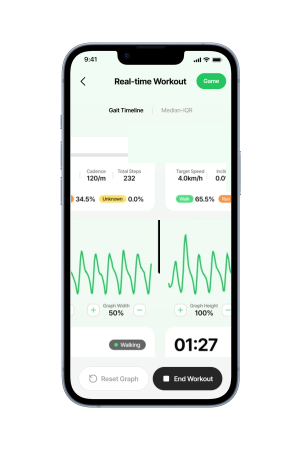
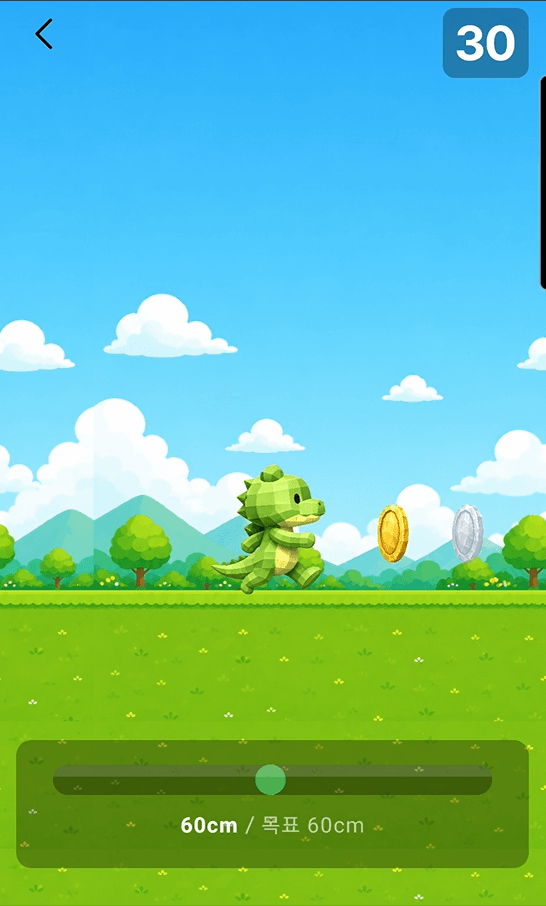
Once connected, choose an exercise mode. Depending on your goal, select either Analysis Mode or Game Mode. You can check the differences between the two modes below.
Choose the mode that best fits your goal. The two modes provide different experiences.
To analyze your gait pattern
To make exercise more fun
Used Analysis Mode?
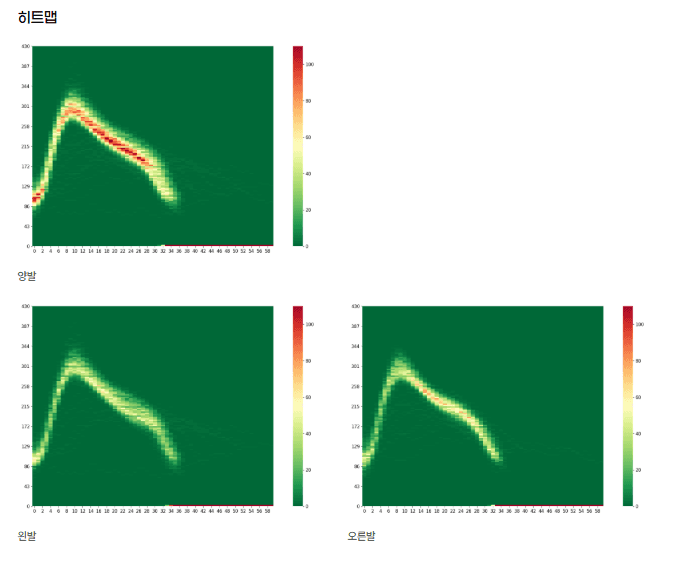
After your exercise, you can view a gait report on the web. It provides detailed insights such as left/right balance and pressure distribution.
Set your exercise information (speed, incline, target time), then perform Index Walking.
Index Walking is a calibration process that allows the app’s analysis system to distinguish between your left and right foot. Select a foot and follow the instructions while walking a few steps on the treadmill, and the system will automatically complete the setup.
It helps the app distinguish between your left and right foot to ensure accurate gait analysis.
Once everything is ready, your exercise or game will begin. On the live exercise screen, you can monitor step count, steps per minute, and walk/run ratio in real time.
If you set a target step count in advance, you can easily check your daily progress rate on the home screen.
After finishing your exercise, your data is automatically saved. Check weekly and monthly activity in the History tab. If you used Analysis Mode, you can also view your gait report on the web.
If you experience any issues while using the service, you can resolve them through the channels below.